

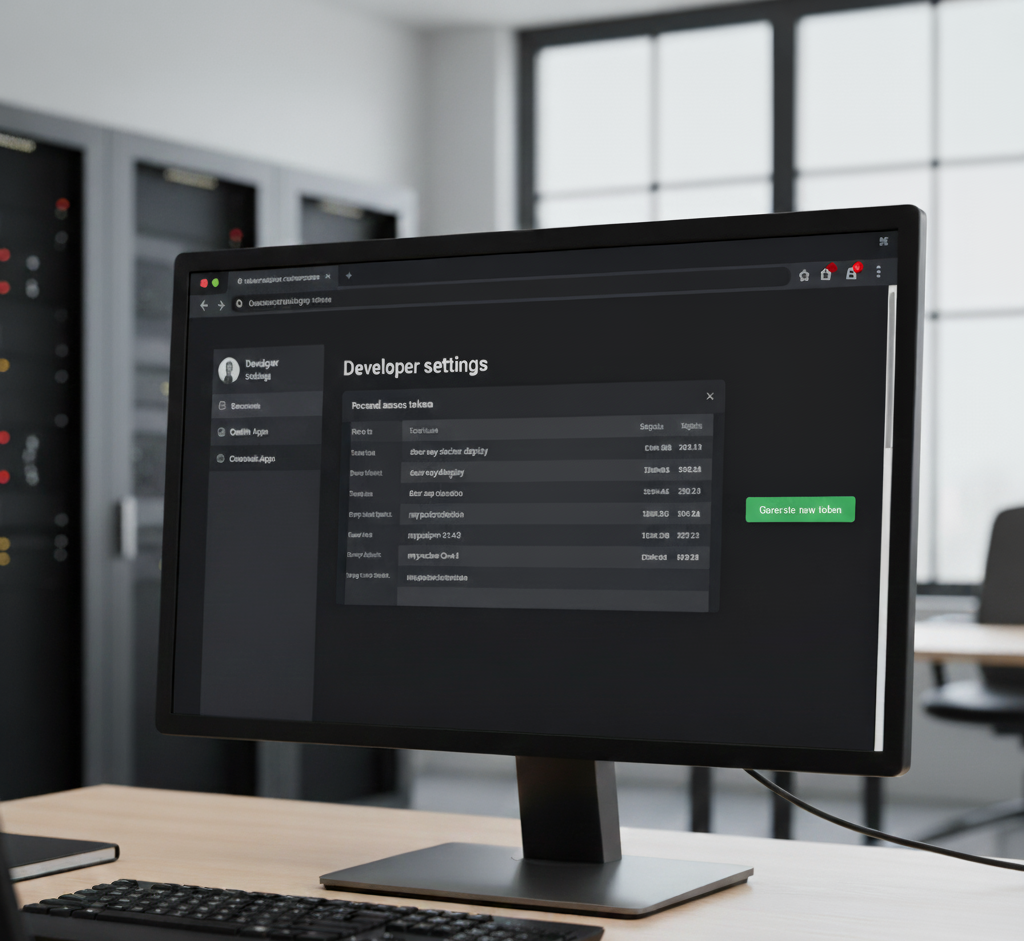
Docker packages in GitHub are stored in the GitHub Container Registry (GHCR), which works like Docker Hub but is linked directly to your GitHub repositories.
Steps to Create & Publish Docker Packages in GitHub
1. Enable GHCR (GitHub Container Registry)
- You don’t need extra setup, just a GitHub account.
- The registry URL is:
lua

ghcr.io
2. Login to GitHub Container Registry
Run this in your terminal:
bash

echo $GITHUB_TOKEN | docker login ghcr.io -u USERNAME --password-stdin- Replace
USERNAMEwith your GitHub username. $GITHUB_TOKENcan be:- A Personal Access Token (PAT) with
write:packagesandread:packagesscopes. - Or
GITHUB_TOKENinside GitHub Actions.
- A Personal Access Token (PAT) with
3. Create a Dockerfile
Example Dockerfile for a Laravel or PHP app:
dockerfile


FROM php:8.3-fpm-alpine

# Install dependencies
RUN docker-php-ext-install pdo pdo_mysql

# Set working directory
WORKDIR /var/www

# Copy files
COPY . .

# Expose port
EXPOSE 9000

CMD ["php-fpm"]
4. Build the Docker Image
Run:
bash

docker build -t ghcr.io/USERNAME/REPO-NAME:latest .
Example:
bash

docker build -t ghcr.io/johndoe/laravel-app:latest .
5. Push Image to GitHub
bash

docker push ghcr.io/USERNAME/REPO-NAME:latest
Now your package is available in GitHub → Repository → Packages.
6. (Optional) Automate with GitHub Actions
Create .github/workflows/docker.yml:
yaml

name: Publish Docker image

on:
  push:
    branches: [ "main" ]

jobs:
  build:
    runs-on: ubuntu-latest

    steps:
    - name: Checkout code
      uses: actions/checkout@v4

    - name: Log in to GitHub Container Registry
      run: echo "${{ secrets.GITHUB_TOKEN }}" | docker login ghcr.io -u ${{ github.actor }} --password-stdin

    - name: Build Docker image
      run: docker build -t ghcr.io/${{ github.repository }}:latest .

    - name: Push Docker image
      run: docker push ghcr.io/${{ github.repository }}:latest
This way, every time you push to main, GitHub builds and pushes a new Docker image automatically.
7. Use the Package
Anyone with access can pull and run it:
bash

docker pull ghcr.io/USERNAME/REPO-NAME:latest
docker run -p 8000:8000 ghcr.io/USERNAME/REPO-NAME:latest
Summary:
- Login to GHCR
- Build image → Tag as
ghcr.io/username/repo:tag - Push → Package shows up in GitHub
- (Optional) Automate with Actions