

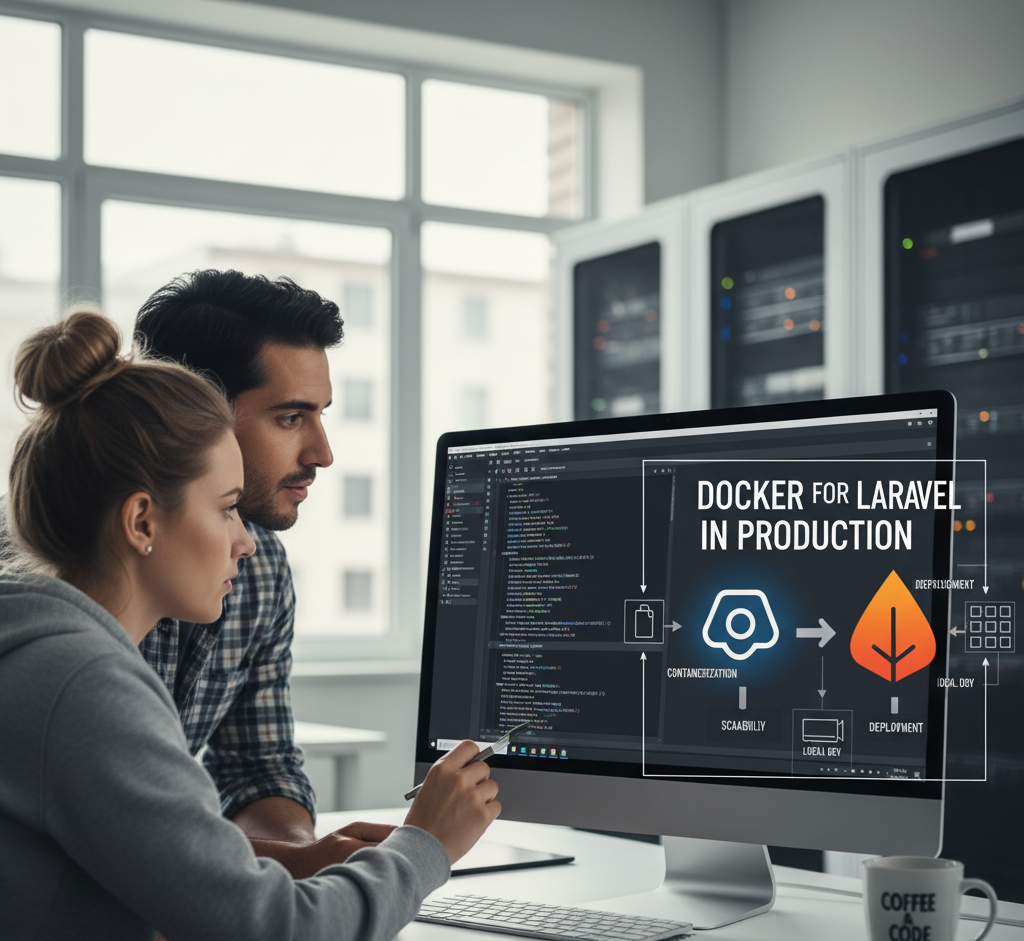
Running Laravel in Docker in production is not only okay, it’s becoming very common. But there are some important considerations to make it safe, efficient, and maintainable.
Why Docker for Laravel in Production Works Well
1. Environment Consistency
- Laravel apps rely on PHP, Composer, extensions, Node, Redis, etc.
- With Docker, all these are prepackaged, so your staging and production match perfectly.
2. Isolation of Services
- You can containerize:
- PHP-FPM (Laravel app)
- Nginx/Apache (web server)
- MySQL/Postgres/Redis/Queue workers
- Keeps things modular and avoids conflicts.
3. Easier Scaling
- If traffic spikes, you can scale PHP workers or queue workers horizontally using Docker/Kubernetes.
4. CI/CD Friendly
- GitHub Actions/GitLab CI can build and push Docker images of your Laravel app.
- Deployments become just pulling the latest image.
Things to Watch Out For
1. Don’t Rely on Laravel Sail in Production
- Sail is great for local development, but it’s not optimized for production.
- Instead, use a custom Dockerfile or production-ready images.
2. Optimize Docker Image
- Use multi-stage builds:
- Stage 1: Install Composer & npm dependencies.
- Stage 2: Copy only built artifacts into a slim PHP image (e.g.,
php:8.3-fpm-alpine).
- Keeps the image small and secure.
3. File Storage & Caching
- Laravel’s
storage/andbootstrap/cache/need to be writable. - Mount volumes or use cloud storage (S3, DigitalOcean Spaces).
4. Database & Redis
- While you can run them in Docker, in production it’s often better to use managed services (e.g., AWS RDS, Azure DB, or Redis Cloud).
5. Queue Workers & Scheduler
- Run Laravel Horizon or queue workers as separate containers.
- Run
php artisan schedule:workorcronin its own container.
6. Security & Performance
- Don’t run containers as
root. - Set resource limits (
cpu,memory). - Use
opcachein PHP-FPM for performance.
Example Production Setup (with Docker Compose / Kubernetes)
- nginx → serves static assets + proxies to PHP-FPM.
- php-fpm → runs Laravel application code.
- queue-worker → runs
php artisan queue:work. - scheduler → runs
php artisan schedule:work. - redis → caching & queues (or use a managed service).
- db → managed MySQL/Postgres (recommended).
Summary:
Laravel in Docker in production is perfectly fine — just don’t use Sail directly, and make sure to harden, optimize, and split your services properly.